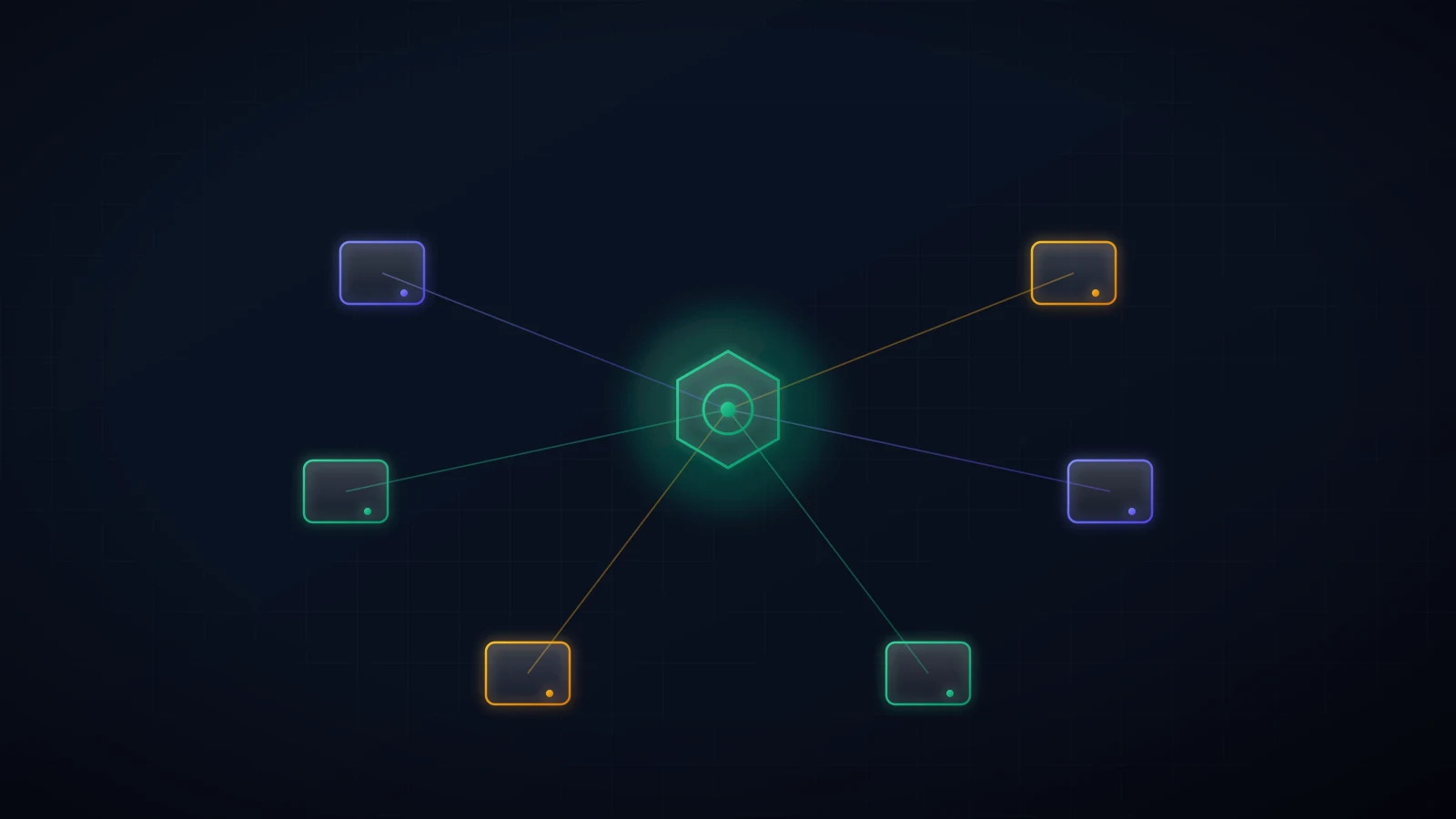
A Telegram trading bot usually means one exchange, one strategy, and one more dashboard to babysit. OpenClaw changes the shape of the setup: Telegram becomes the control surface, one agent holds the rules and audit trail, and separate connectors reach five very different execution venues. That does not make Robinhood, Hyperliquid, Base, Kalshi, and Polymarket interchangeable. It gives you one place to ask, compare, approve, reject, and stop. This guide shows how to build that control plane without pretending five accounts are one pool of money.
Can One Telegram Trading Bot Really Reach Five Brokers?
Yes, with one important correction: these are five execution venues, not five identical brokers. Robinhood is a US brokerage. Hyperliquid is an onchain perpetuals exchange. Base is a blockchain and DeFi ecosystem. Kalshi and Polymarket are prediction-market venues with different regulatory and custody models. The title is convenient; the distinctions are load-bearing.
OpenClaw sits above those differences. Its Telegram channel receives your message, routes it to the agent, and returns the plan or result. The agent reaches each venue through an official MCP server, an API wrapper, or a narrowly scoped skill. A persistent trading policy decides what the agent may propose. The venue still decides whether an order is valid, funded, available in your jurisdiction, and ultimately filled.
Think of it as a control plane, not a universal brokerage account:
- You ask in Telegram. “Compare my BTC exposure on Robinhood, Hyperliquid, and Base.”
- OpenClaw reads the relevant accounts. No trade permission is needed for the first useful workflow.
- The agent returns a normalized proposal. Venue, instrument, direction, order type, size, price or slippage bound, fees, and post-trade exposure.
- You approve or reject. The execution adapter must treat approval as a single-use authorization for that exact proposal.
- The agent executes once, then reconciles. It reads the venue’s order status and posts the fill, rejection, or unresolved state back to Telegram and the audit log.
That last step matters more than it sounds. If a venue times out after receiving an order, blindly sending the same order again can create a duplicate position. A serious multi-venue agent stops, checks by client order ID or account state, and asks for help if the result is still ambiguous.
The Five Venues Are Not the Same Risk
One chat window can make different systems look deceptively uniform. Keep the custody model visible on every proposal so you know what “approve” means before you tap it.
| Venue | What the agent reaches | Custody / authorization | First hard rail |
|---|---|---|---|
| Robinhood | Equities, options, and crypto through Robinhood’s MCP | Dedicated Agentic Account funded with a reserved budget | Keep the agentic account small; disconnect in the app |
| Hyperliquid | Onchain perpetuals and account data | Agent/API wallet signs for the master account but does not hold funds | Low leverage, isolated size, fresh agent wallet |
| Coinbase Base | Swaps, liquidity, lending, and perps across Base apps | Onchain account; Base MCP can prepare a transaction for review and signing | Dedicated low-balance wallet, token and contract allowlists |
| Kalshi | Event-contract markets through REST/WebSocket tools | RSA-signed API requests; funds stay at the regulated venue | Rehearse against Kalshi’s demo API before production |
| Polymarket | Prediction-market data and CLOB orders where available | International CLOB uses wallet plus derived API credentials; US is a separate regulated venue | Confirm jurisdiction first; cap wallet and contract permissions |
Robinhood now advertises equities, options, and crypto through its MCP, with a dedicated budget, trade notifications, and an in-app disconnect. Hyperliquid’s docs describe an API wallet as a signer for a master account; use a new one per process because old nonce state can be pruned after deregistration. Base MCP takes a different route: it prepares a pending onchain request for the user to review and sign, including simulated asset changes. Kalshi uses an RSA private key and Key ID to sign each authenticated API request. Polymarket’s international CLOB uses wallet-level authorization plus HMAC-signed API credentials. Five rows, five failure modes.
How to Set Up OpenClaw With Telegram
1. Create a Private Bot and Lock Down the DM
Create the bot with Telegram’s BotFather, then put the token in OpenClaw’s channel configuration or token file — never paste it into a chat. OpenClaw’s current Telegram documentation recommends DM pairing by default and supports explicit allowlists. For a trading agent, keep the bot in a private direct message, approve only your numeric Telegram user ID, and leave group access off. A group full of people who can see a proposal is not the same thing as a group authorized to approve it.
Inline buttons are useful for a compact approve/reject interaction, but the button is only the interface. The execution tool still needs to verify the sender, bind the approval to the exact order payload, expire it, and reject replays. Do not let a forwarded message or a stale button become trading authority.
2. Add One Venue at a Time, Read-Only First
Connect the five venues separately. Store every secret in the Instance’s encrypted credential vault, scoped to the connector that needs it. Start with public market data or read-only account access and make the agent produce the same portfolio summary for each venue. This catches symbol mismatches, unit mistakes, stale prices, and jurisdiction gaps before order placement enters the picture.
- Robinhood: connect the official MCP to a separately funded Agentic Account.
- Hyperliquid: read by master address first; add a fresh agent wallet only when the read path is correct.
- Base: use a dedicated low-balance account and inspect each pending transaction’s simulated asset changes.
- Kalshi: run the full auth and order lifecycle against the demo API before switching base URLs.
- Polymarket: confirm which venue you may legally access before creating credentials; the international and US products are not one interchangeable API surface.
3. Normalize the Proposal, Not the Market
The agent should translate five APIs into one review format without erasing what makes them different. Every proposal sent to Telegram should contain:
- Venue and account.
- Instrument or market, including contract expiry or resolution wording when relevant.
- Buy/sell direction, order type, quantity, notional, and currency.
- Quoted price, maximum slippage, estimated fees, and quote timestamp.
- Leverage and liquidation estimate for perps; assignment exposure for options.
- Current position and resulting position if the order fills.
- Which per-trade, daily, and cross-venue limits remain after execution.
- A short-lived proposal ID used once for approval and reconciliation.
“Buy 100” is not an approvable instruction. One hundred shares, contracts, dollars, tokens, or outcome units are different trades. If the venue, units, or resulting exposure is ambiguous, the agent should stop and ask rather than infer.
4. Put the Rules in a Persistent Safety Skill
Telegram messages are conversation. Risk limits are policy. Put the latter in a persistent skill or deterministic execution layer that loads on every run, following the same pattern as the seven safety rails every OpenClaw trading agent needs. A practical starting template looks like this:
MODE: READ_ONLY

AUTHORIZED_APPROVERS:
  - telegram:<your-numeric-user-id>

GLOBAL_RULES:
  - Require an explicit venue and account for every order.
  - Never accept credentials, seed phrases, or private keys in chat.
  - Never withdraw, transfer, bridge, or expand token allowances.
  - Enforce per-order, per-venue daily, and all-venues daily caps.
  - Count correlated exposure across venues before proposing a trade.
  - Require single-use approval for the exact normalized proposal.
  - Expire approval when the quote or proposal TTL expires.
  - After approval, re-check caps, balance, position, and market state.
  - Never retry an order with an uncertain execution result.
  - Reconcile by client order ID or account state, then report the result.
  - Log proposal, approver, execution response, fill, and final exposure.

VENUE_RULES:
  robinhood: dedicated_agentic_account_only
  hyperliquid: leverage_cap_and_fresh_agent_wallet
  base: approved_tokens_and_contracts_only
  kalshi: demo_until_explicit_production_promotion
  polymarket: jurisdiction_check_and_resolution_text_required
Fill the caps with numbers that match your own account and risk tolerance. The important design choice is the hierarchy: a $100 limit on each venue does not stop five simultaneous $100 trades. One global ceiling must see the whole book.
5. Do Not Confuse Exec Approval With Trade Approval
OpenClaw’s built-in exec approvals guard commands running on the gateway or a node host. They are valuable, but they are not automatically a brokerage risk control. An MCP tool grant can also authorize a named tool with arbitrary arguments, depending on the runtime and configuration. Neither should be treated as permission for any future order.
The trade barrier belongs inside the trading workflow: exact order details, exact approver, short expiry, one execution, then reconciliation. Keep host exec policy cautious as a separate layer. Security improves when these controls overlap; it fails when one approval system is assumed to cover a job it was not designed to do.
What the Telegram Trading Bot Workflow Looks Like
Start with questions that cannot move money:
- “Show my total BTC and ETH exposure across Robinhood, Hyperliquid, and Base. Do not trade.”
- “Compare the current implied probability for this event on Kalshi and Polymarket. Include fees, liquidity, and the exact resolution wording.”
- “List every open order on all five venues and flag anything older than two hours.”
Then test proposal mode: “Draft, but do not execute, a $25 BTC purchase on Robinhood.” The reply should be complete enough to audit without opening the broker app. Reject it once. Let it expire once. Change the price after it is proposed and verify that the agent requires a fresh approval. Only after those failure paths work should you permit one small live order.
Keep automatic execution off at the beginning. Over time, you may decide that a tiny scheduled action can run inside narrow limits without tapping a button. If you do, make it a separate, deterministic automation with its own cap and alert — not a blanket “always allow” granted to the trading tool from a chat session.
The Kill Switch Has to Work From More Than Telegram
Telegram is convenient precisely because it is remote, but it should not be your only way to stop the system. You need two independent paths:
- Stop the runtime. Suspend or terminate the OpenClaw Direct Instance from the web dashboard so the agent cannot initiate another action.
- Stop the authority. Disconnect Robinhood in its app, revoke a Hyperliquid agent wallet, rotate Kalshi or Polymarket API credentials, or move/revoke authority from the Base account.
Practice both before funding the setup meaningfully. A kill switch you have never tested is documentation, not a control. Remember that neither switch reverses a filled order; account segregation, position limits, and small balances still define the real maximum loss.
Is One Agent Better Than Five Bots?
One agent is better for visibility: a single conversation, one policy vocabulary, one cross-venue exposure check, and one audit trail. Five isolated bots are better for blast-radius separation. The safest design borrows from both: one OpenClaw control plane, but separate connectors, credentials, account budgets, and venue-specific policy underneath it.
That architecture also prevents a seductive mistake. Five venues do not automatically mean diversification. A long BTC position on Robinhood, a leveraged long on Hyperliquid, and a wrapped-BTC purchase on Base can be one trade wearing three logos. Normalize the exposure before you normalize the interface.
One agent, five venue connections, one place to stop it
OpenClaw Direct runs your agent on an isolated, monitored Instance with encrypted credentials, Telegram access, and an audit trail. Start read-only and connect one venue at a time.
Run OpenClaw NowWhere Should You Start?
Start with the venue that gives you the cleanest rehearsal. Kalshi has a demo API. Robinhood gives the agent a dedicated funded account. Hyperliquid lets you read by address before creating an agent wallet. Base shows pending transaction effects before signing. Polymarket exposes public market data without credentials. Use those boundaries.
The first win is not a profitable trade. It is a Telegram thread where the agent names the right venue, reads the right account, proposes the right units, accepts a rejection, refuses a stale approval, executes once, and reports the final state without you opening five tabs. Once that loop is boring, you have a control plane worth trusting with a very small amount of money.
Sources (accessed September 22, 2026): OpenClaw Docs — Telegram, OpenClaw Docs — Exec Approvals, Robinhood — Agentic Trading, Robinhood Support — Trading With Your Agent, Base — Introducing Base MCP, Hyperliquid Docs — Nonces and API Wallets, Kalshi Docs — API Keys, Polymarket Docs — CLOB Authentication, and Polymarket Help Center — Geographic Restrictions.